
VPN vs Proxy vs Smart DNS: Which Is Best for Unblocking Sites?
Stop Buffering. Start Streaming.

Confused by the tech jargon? Ech here. It's easy to get these mixed up, but picking the wrong tool can mean endless buffering or leaving your data exposed. If you just want a safe, reliable all-rounder, check out my list of the best VPNs to unblock websites. However, if you're a gamer chasing raw speed, Smart DNS has a secret advantage you should know about.
The Core Differences
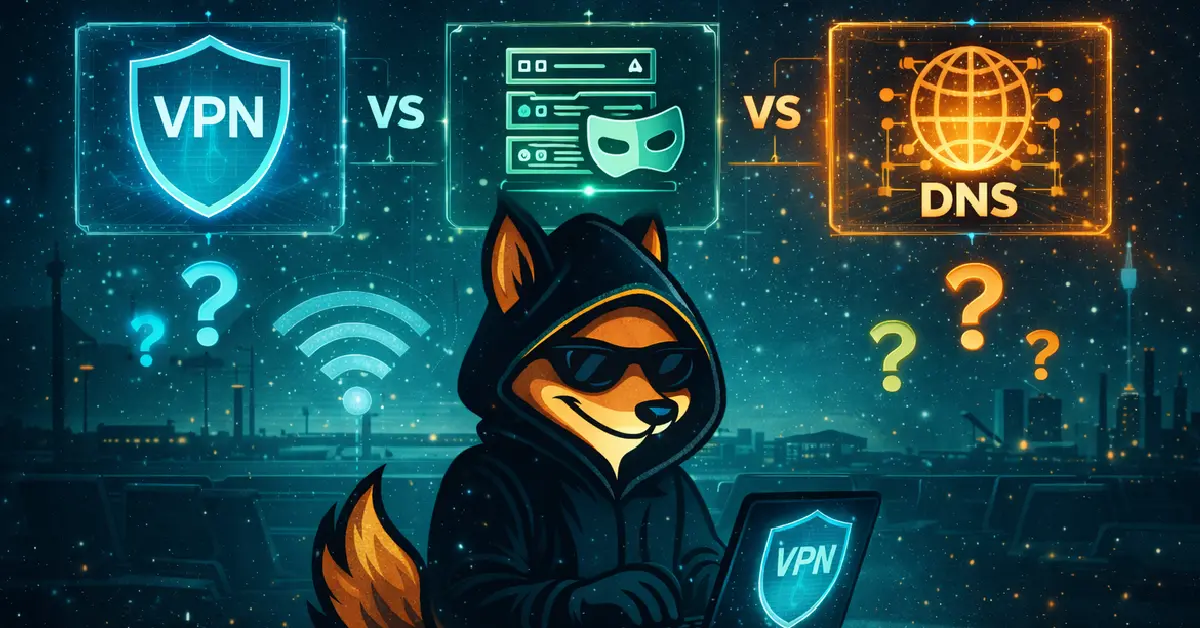
Think of these tools as different types of vehicles. A VPN is an armoured tank; it's heavy, secure, and hides everything inside. A Proxy is a rental car; it changes your number plate (IP) for one specific trip, but anyone looking inside can see who you are. A Smart DNS is a sat-nav redirect; it doesn't change your vehicle or number plate, it just tricks the GPS map into thinking you are already at the destination.
Technical Comparison Matrix
| Feature | VPN | Smart DNS | Proxy |
|---|---|---|---|
| Scope | System-Wide | Specific Services | App-Level (Browser) |
| Encryption | High (AES-256) | None | None |
| Speed | Good (Encryption overhead) | Maximum | Variable |
| Privacy | Complete | Zero (IP Visible) | Low |
Detailed Breakdown
1. VPN (Virtual Private Network)
The "Armoured Tank". It encrypts all traffic leaving your device, from your browser to your background apps.
- Encryption: Scrambles data so your ISP cannot see what you are doing.
- Anonymity: Hides your real IP address completely.
- Anti-Throttling: Stops ISPs from slowing down your connection during peak hours.
- Slight speed reduction due to encryption overhead.
2. Smart DNS
The "Sat-Nav Hack". It intercepts your location data requests and reroutes *only* those bits.
- Zero Speed Loss: No encryption means maximum raw speed.
- Compatibility: Works on devices that don't support VPN apps (Apple TV, Xbox, PlayStation).
- No Privacy: Your real IP address remains visible to the site.
- No Security: Your ISP can still see your browsing history.
3. Proxy (HTTP/SOCKS5)
The "Rental Car". A middle-man server. It masks your IP but usually only for a specific app (like a browser).
- Lightweight: Good for simple IP changes or web scraping.
- SOCKS5: A newer protocol that can handle more than just web traffic (good for torrenting).
- Unreliable: Free proxies often die or inject ads.
- App-Level Only: If you set it in Chrome, your Spotify app is still using your real IP.
The Verdict: Which to Choose?
Choose a VPN If...
You prioritise privacy, use public Wi-Fi, or need to unblock content on a laptop or mobile. A VPN is the only tool that secures your entire system against ISP snooping.
Choose Smart DNS If...
You want to watch US Netflix or BBC iPlayer on a Smart TV, PlayStation, or Xbox. These devices do not support native VPN apps. Smart DNS is the only way to unblock content on them without a complex router setup.
Safety & Legality
Before you start unblocking, it is vital to understand the rules. Many users ask: is it legal to use a VPN to unblock websites?
Generally, using a VPN is perfectly legal in most western countries (UK, US, Europe). However, using it to bypass copyright restrictions (like watching a movie not licensed in your region) is often against the streaming service's Terms of Service, though rarely a criminal offence.
FAQs
Can I use a VPN and Smart DNS together?
Technically yes, but it is usually unnecessary. Some VPNs (like Surfshark) include Smart DNS functionality within their subscription, allowing you to use the VPN on your phone and Smart DNS on your TV.
Why is Smart DNS faster than a VPN?
Smart DNS does not encrypt your data. Encryption requires processing power and bandwidth, which naturally slows down a connection. By skipping this step, Smart DNS offers full-speed streaming.
Are free Proxies safe?
Rarely. Running a proxy server costs money. If it's free, they are likely selling your browsing data to advertisers or injecting ads into the websites you visit.