

If you have already read our full NordVPN review, checked the 2026 speed test results, or gone deeper with our NordVPN safety audit, this page answers one narrower question: what Dark Web Monitor actually does in 2026, what Dark Web Monitor Pro™ adds, and where it fits in NordVPN’s wider security stack.
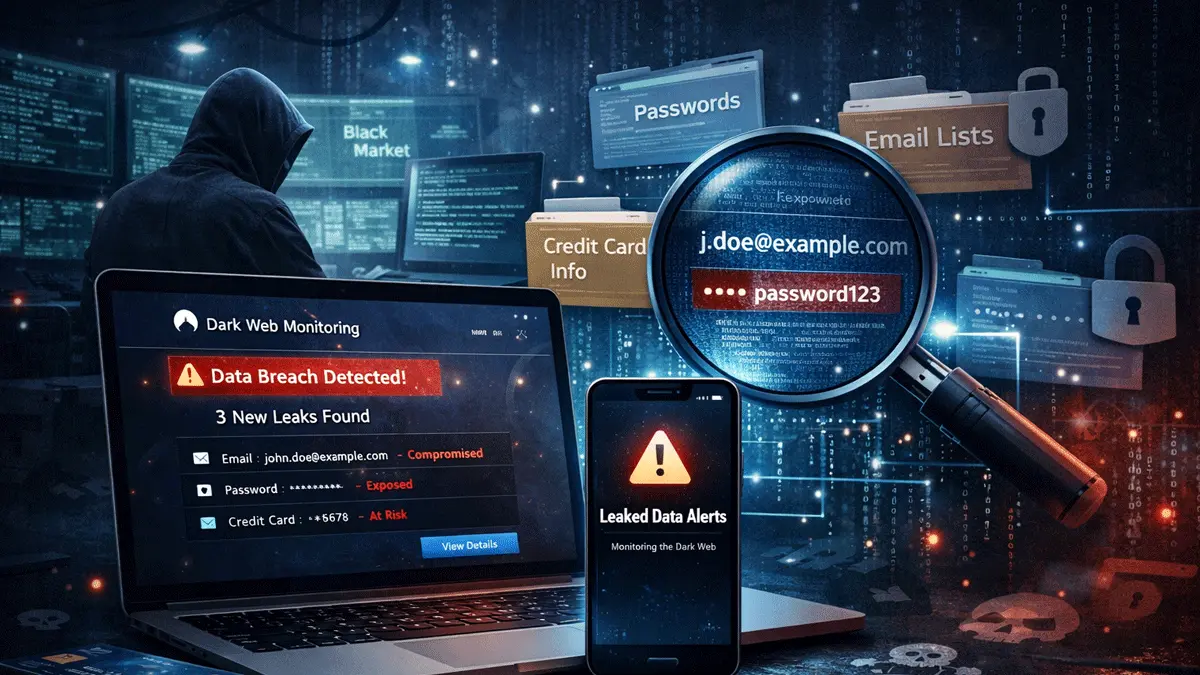
NordVPN Dark Web Monitor checks monitored details for known data exposures and alerts you when it finds a match. The standard version covers up to five email addresses; Dark Web Monitor Pro™ expands this to eight emails, two credit cards, two numeric national ID / SSN values, and one supported phone number. It cannot prevent or remove a breach, but an early alert can help you respond sooner.
Quick Verdict: What Does NordVPN Dark Web Monitor Actually Do?
The Short Answer
NordVPN Dark Web Monitor is separate from the VPN tunnel itself. It checks NordVPN’s monitored breach sources for data linked to the assets you add, then warns you when it detects a matching exposure. Its purpose is early detection and faster remediation, not breach prevention.
For most people, the value is straightforward: if an added email or other supported asset appears in a known exposure, the alert gives you a chance to change reused passwords, enable multi-factor authentication, review account sessions, or contact a card issuer. For wider context on NordVPN’s security claims, see NordVPN’s sixth no-logs audit and whether NordVPN is still safe in 2026.
Best if you mainly want breach alerts for email addresses and want a simple “tell me fast” setup.
Adds up to two credit cards, two numeric national ID / SSN values, and one phone number from a supported country.
The benefit is earlier awareness: you can reset reused passwords, enable MFA, review sessions, or contact a card issuer sooner.
It cannot erase stolen data from the internet or stop an unrelated company from suffering a breach in the first place.
How the Tool Works
The workflow is straightforward. You add supported assets, NordVPN checks for matching exposures, and the app or your Nord Account notifies you when it finds a match. You can then review the exposed data and take the appropriate action, such as changing a password, enabling MFA, signing out active sessions, or contacting a card issuer.
What the process looks like
Dark Web Monitor addresses exposure alerts, while NordVPN’s connection protocols, its RAM-only server model, and newer options like NordWhisper solve different problems. Dark Web Monitor covers detected data exposure rather than connection security.
Standard vs Dark Web Monitor Pro™
The main difference is the type and number of assets covered. Standard Dark Web Monitor monitors up to five email addresses. Dark Web Monitor Pro™ expands coverage to eight emails and adds payment, identity, and phone-number monitoring. Pro access depends on your plan or add-on, and availability can vary by country.
| Category | Standard Dark Web Monitor | Dark Web Monitor Pro™ | What It Means |
|---|---|---|---|
| Email addresses | Up to 5 | Up to 8 | Useful for personal, work, recovery, and older email addresses under one account. |
| Credit card numbers | No | Up to 2 | Provides an exposure alert so you can review transactions and contact the card issuer promptly. |
| National ID / SSN | No | Up to 2 | Extends monitoring beyond email, but an alert still requires identity-protection action from the user. |
| Phone number | No | 1 number | Can flag a detected exposure involving a supported phone number, including data used in account-recovery scams. |
| Security handling | N/A for cards / IDs | Cards and IDs are hashed | NordVPN states that card and numeric ID values are hashed for security and privacy. |
| If Pro expires | Keeps first 5 emails monitored | Extra assets stop being monitored | The first five email addresses remain active with a NordVPN subscription; Pro-only assets stop being monitored. |
What a NordVPN Alert Shows
Good dark web monitoring is not just about firing off a scary notification. It should tell you enough to make a decision. A useful alert is the difference between “something happened” and “here is exactly what you should do next”.
The details that matter
- Which asset was matched: email, card, ID, or phone.
- What may have been exposed: for example credentials or other sensitive personal data tied to that asset.
- Where it matters: enough context to help you prioritise which account or payment method to lock down first.
- What to do next: password resets, MFA, card replacement, account review, or provider contact.
For users, the real value is not the alert itself. It is the reaction path afterwards. If the exposed asset is an email used on multiple accounts, change the password immediately, enable MFA, and work through sensitive services first. If it is a card, contact your bank. If it is an ID or SSN, treat it as a higher-severity identity issue.
Google Dark Web Report Shutdown: Why This Matters in 2026
Google stopped scanning for new dark web breaches on 15 January 2026. Its Dark Web Report and the data associated with it became unavailable on 16 February 2026. Google told users that feedback showed the report did not provide sufficiently helpful next steps.
Why users are looking elsewhere
Google’s own explanation was that the feature did not give users clear enough next steps after finding exposed information. That matters because it frames the gap in the market very clearly: people do not just want leak detection, they want more usable remediation guidance once an alert lands.
The shutdown leaves users who still want ongoing exposure alerts looking to dedicated monitoring services. NordVPN is one option, but it should be judged on its supported asset types, plan requirements, country availability, and the usefulness of its remediation guidance.
How to Set It Up and Manage Your Assets
Setup is available in the NordVPN apps and through Nord Account. On Windows and macOS, open the Dark Web Monitor section. On iOS, iPadOS, and Android, open Products and tap Dark Web Monitor. You can also review alerts and manage assets on the web.
Setup flow
Only the phone-number flow requires a six-digit one-time code before monitoring starts. Card and national ID / SSN assets follow different addition flows, and phone-number support is limited to selected countries.
Limits and Caveats
Dark Web Monitor is useful as an alerting layer, but its coverage has clear boundaries. Understanding those limits helps you decide whether it is enough for your risk level.
It cannot stop another company from being breached. It helps you respond once your data appears in a leak.
Getting alerted does not mean the leaked data disappears from breach lists or criminal marketplaces.
Pro supports one phone number from a selected country, and it must be verified with a six-digit code before monitoring begins.
Only numeric national ID / SSN values are supported, so do not describe this as universal document monitoring.
No breach-monitoring service can guarantee visibility into every private forum, newly traded dataset, or unreported compromise.
To judge whether the wider NordVPN package suits your needs, compare this feature with the service’s infrastructure, privacy record, performance, and closest alternatives. Useful follow-ups include the history of NordVPN, the RAM-only server explainer, and our NordVPN vs Surfshark comparison.
Sources and Methodology
We checked the feature limits, setup steps, expiry behaviour, hashing statement, and alert delivery against NordVPN’s official product and support documentation on 16 June 2026. The Google shutdown dates are based on Google’s notice to Dark Web Report users as reproduced by an established technology publication.
- NordVPN Support: Dark Web Monitor vs Dark Web Monitor Pro™
- NordVPN Support: setup, asset management, alerts, and leak response
- NordVPN feature page: limits, add-on availability, and phone-country caveat
- The Verge: Google’s Dark Web Report shutdown notice and dates
Accuracy note: plan names, prices, included features, and supported countries can change. Recheck NordVPN’s live regional plan page before publishing future updates.
FAQs: NordVPN Dark Web Monitor
Is NordVPN Dark Web Monitor included with NordVPN?
Standard Dark Web Monitor is included with NordVPN subscriptions and monitors up to five email addresses. Dark Web Monitor Pro™ requires an eligible plan or add-on and expands coverage to eight emails, two credit cards, two numeric national ID / SSN values, and one supported phone number. Packaging and availability can vary by country, so check the current plan page for your region.
How many email addresses can it monitor?
The standard Dark Web Monitor can monitor up to five email addresses. Dark Web Monitor Pro™ raises that to eight, which makes it more useful if you have personal, work, recovery, and older legacy addresses spread across different accounts.
Does it monitor passwords directly?
It monitors added assets for exposures that may include passwords or other sensitive personal information. It is an alerting tool, not a password manager, and it does not store or manage your passwords like a vault.
What should I do immediately after an alert?
Prioritise the exposed asset. If it is an email account, change the password and enable MFA straight away. If it is a credit card, contact the issuer and review transactions. If it is an ID or SSN, treat it as a serious identity-protection event and work through any recommended follow-up steps without delay.
Can NordVPN Dark Web Monitor remove leaked data?
No. It can alert you to a detected exposure and recommend next steps, but it cannot delete copied data from breach databases, criminal forums, or another company’s systems. Treat the alert as a prompt to secure affected accounts and contact relevant providers.
Is Dark Web Monitor Pro available in every country?
Not necessarily. Pro access depends on the plan or add-on offered in your region, and NordVPN says phone-number monitoring supports numbers from selected countries only. Check the current regional plan and feature page before buying.
What happens if my Pro access expires?
If your plan no longer includes Dark Web Monitor Pro™, NordVPN keeps the first five email addresses monitored as long as you still have a NordVPN subscription. Extra email addresses, cards, and other Pro-only assets stop being actively monitored.
