

This guide is specifically about adult browsing history and ISP visibility. The key question is not whether a VPN makes browsing invisible, it does not, but whether your internet provider can still identify the adult websites you visit after the encrypted tunnel is active.
I find it clearest to separate this into two privacy problems. The first is what travels across your internet connection, which a VPN can hide from the ISP. The second is what remains on your browser, device, accounts and the adult website itself, which a VPN does not erase.
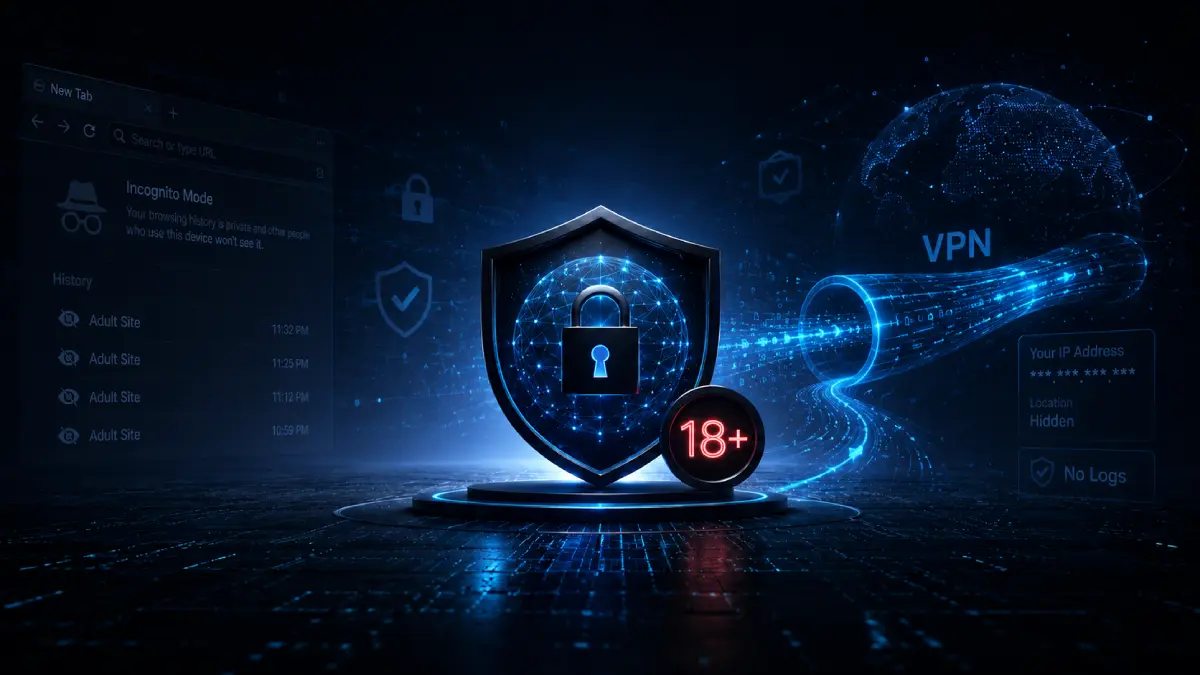
Does a VPN hide adult websites from your ISP?
In normal use, yes. A properly working VPN encrypts traffic between your device and a remote VPN server. Your ISP sees that encrypted connection, but it should not be able to inspect the adult-site destinations carried inside it.
What your ISP can still see
- The fact that you are connected to a VPN server.
- Connection times, duration and approximate traffic volume.
- The fact that your connection is using a VPN service.
- When the VPN session starts and ends.
- The amount of encrypted data transferred during the session.
What your ISP sees when you visit adult sites without a VPN
Without a VPN, the connection to an adult website passes through your ISP on its way to the destination. HTTPS protects the contents of the page, so the provider should not be able to read a password, view the exact video page or inspect encrypted form data. It may still see or infer the adult-site domain, destination IP address, connection time and traffic volume.
That difference matters in practice. An ISP may not know the exact title of a video or the full URL path, yet the domain alone can reveal that an adult service was contacted. DNS requests are especially revealing when they leave the device outside an encrypted VPN tunnel.
What changes after the VPN connects?
After the VPN connects, the ISP carries encrypted packets between your device and the VPN server. It can usually identify the VPN server’s IP address, when the session started, how long it lasted and how much data moved. It should no longer see the final adult-site domains inside the tunnel, provided DNS, IPv6 and browser traffic are not leaking outside it.
A VPN hides adult sites from your ISP, but it does not erase browser history
This is an important distinction. A VPN changes what travels across your internet connection, so it can hide adult-site destinations from your ISP. It does not clean the browser or remove records already stored on your device.
A VPN also leaves these local traces alone unless you clear or manage them separately:
- Cookies and local storage used to keep you signed in.
- Downloaded files and thumbnails.
- Bookmarks, favourites and reading-list entries.
- Search suggestions based on earlier browsing.
- Saved passwords and autofill information.
- Operating-system activity, notifications and recently opened files.
Does Incognito or private browsing hide adult activity?
Private browsing is useful when you do not want the browser to retain ordinary history and temporary site data after the private session closes. It does not encrypt the connection for your ISP, school, employer or Wi-Fi administrator. It also does not make you anonymous to websites.
Does Incognito or private mode hide adult browsing from your ISP?
No. Incognito mode in Chrome, Private Browsing in Safari and Firefox, and InPrivate mode in Edge mainly control what the browser saves on your device. They do not encrypt your connection or hide adult-site destinations from your ISP.
Private mode is still useful when you do not want ordinary browsing history, temporary cookies or form entries left behind after the window closes. I use it as a local privacy tool, not as a substitute for a VPN.
If the ISP cannot see the adult site, who still can?
A VPN reduces what your ISP can see, but your browser, accounts, the adult website and the VPN provider each have their own view. The table separates those observers so “hidden from the ISP” is not mistaken for complete anonymity.
| Observer | Without a VPN | With a working VPN | What can remain visible |
|---|---|---|---|
| Internet provider | More visibility | Specific sites hidden | VPN server, times, duration and traffic volume. |
| Home router or Wi-Fi owner | May see destinations | Usually sees VPN only | Device presence, VPN connection and data use. |
| Browser history | Saved normally | Still saved normally | Pages, downloads, cookies and suggestions unless private mode or manual clearing is used. |
| Adult website | Sees home IP | Sees VPN IP | Account, cookies, browser details, interactions and site activity. |
| Search or platform account | Can save activity | Can still save activity | Signed-in searches, watch history, account events and personalisation data. |
| VPN provider | Not in the path | Trusted intermediary | Connection metadata and potentially destination information depending on design and logging. |
| Employer or school | May monitor | VPN may not be enough | Managed-device software, security agents, browser policies and installed certificates. |
What adult websites can still see after the ISP is blocked from view
Yes. A VPN replaces your public IP address with the VPN server’s address, which removes one strong location and household identifier. The website still receives the requests and still controls its own account, cookie and analytics systems.
An adult website may recognise a returning visitor through a signed-in profile, first-party cookies, browser storage, device characteristics, language, time zone, screen size or a combination of signals often described as browser fingerprinting. A VPN does not automatically block those techniques.
Logging in changes the privacy picture
When you sign in, the service can associate activity with that account regardless of the public IP address. The same applies to searches performed while signed in to a search engine or browser account. A VPN hides the route from the ISP; it does not stop the service you deliberately contact from receiving and storing information.
Does a VPN hide Pornhub or xHamster activity?
From the ISP and local-network perspective, a working VPN should conceal that you visited those specific services. The sites themselves can still see the browsing session, the VPN IP address, and any account or cookie identifiers. For platform-specific recommendations, read our guides to choosing a VPN for Pornhub and choosing a VPN for xHamster.
What a hotel or public Wi-Fi network sees when you visit adult websites
A hotel, airport, café or other hotspot operator controls the local network. Without a VPN, it may be able to observe destination metadata, DNS requests or other connection information. Modern HTTPS protects page contents, but it does not always conceal every destination signal from the network.
With a full-device VPN connected before you browse, the hotspot should mainly see an encrypted connection to the VPN server. It can still see your device on the network, the VPN endpoint, connection timing and data usage. Our separate guide explains in more detail what hotel Wi-Fi can see when you browse.
You hide adult-site destinations from the ISP by shifting trust to the VPN
A VPN shifts trust away from the ISP and towards the VPN service. The provider runs the server that receives your encrypted tunnel and forwards traffic to the internet. HTTPS continues to protect page contents between your browser and the adult website, but the VPN company may be technically capable of observing connection metadata or destination domains depending on how its network and DNS systems are built.
That is why “no logs” should not be accepted as a slogan alone. Look for a clearly written privacy policy, independent infrastructure or logging audits, sensible account practices, modern protocols, first-party DNS, kill-switch protection and a history of responding transparently to security incidents.
Leaks that can expose adult-site destinations to your ISP
A VPN only hides adult-site destinations while the relevant traffic remains inside the tunnel. Several failure modes can weaken that protection:
- DNS leak: website lookups are sent to the ISP or another resolver outside the tunnel.
- IPv6 leak: some IPv6 traffic bypasses a VPN that is only handling IPv4 correctly.
- WebRTC exposure: browser real-time communication features may expose network addresses in certain configurations.
- Tunnel drop: the connection falls back to the normal ISP route before the VPN reconnects.
- Split tunnelling: the browser is intentionally or accidentally excluded from VPN protection.
A kill switch helps by blocking internet access when the tunnel unexpectedly fails. It does not erase browser history and it cannot prevent an adult website from recording actions that occurred while the session was connected.
How to keep adult-site destinations hidden from your ISP
The goal here is specific: keep adult-site domains and DNS requests inside the encrypted tunnel while reducing the local records that a VPN does not control.
- Use a reputable full-device VPN. Connect before opening the browser so DNS and page requests begin inside the tunnel.
- Enable the kill switch. This reduces accidental exposure if the VPN disconnects during the session.
- Check for leaks. Confirm that the public IP and DNS resolvers change after connection, and test both IPv4 and IPv6 where available.
- Use a private browser window for local privacy. This reduces ordinary history and temporary cookies saved after the window closes.
- Avoid signing in when account history is not needed. A VPN cannot prevent a service from recording activity tied to an account you use.
- Review search-engine and browser sync settings. Signed-in search history may be stored remotely and synchronised across devices.
- Clear downloads and persistent files manually. Private mode does not automatically remove files, bookmarks or screenshots.
- Use a personal device. Employer, school or family-management software can observe activity independently of the VPN.
- Keep the browser and operating system updated. A VPN does not patch browser vulnerabilities or protect against every malicious site.
- Follow age restrictions and local law. Privacy technology should not be used to evade safeguards or access unlawful content.
What hiding adult browsing from an ISP does not achieve
A VPN is useful, but it is not an invisibility switch. It cannot guarantee anonymity, stop every tracker, remove malware, prevent account logging, clean device history, defeat monitoring software or prove that a website is trustworthy. It also cannot guarantee access to a particular adult website or replace legally required age checks.
The strongest privacy setup is layered: HTTPS protects the connection to the site, the VPN protects the local network path, private browsing reduces ordinary local history, tracker controls reduce some website profiling, and careful account use limits what can be associated with an identity.