
Common VPN Errors and Fixes
The 2026 Troubleshooting Guide

There is nothing more frustrating than your VPN dropping right when you need it. Before you panic or cancel your subscription, remember that most network hiccups are easy to resolve. In this guide, I will show you exactly how to get your connection back online.
Quick Diagnostic Checks
The 30-Second Fix
If you are experiencing a sudden error, try these three universally effective steps before diving into deeper network settings.
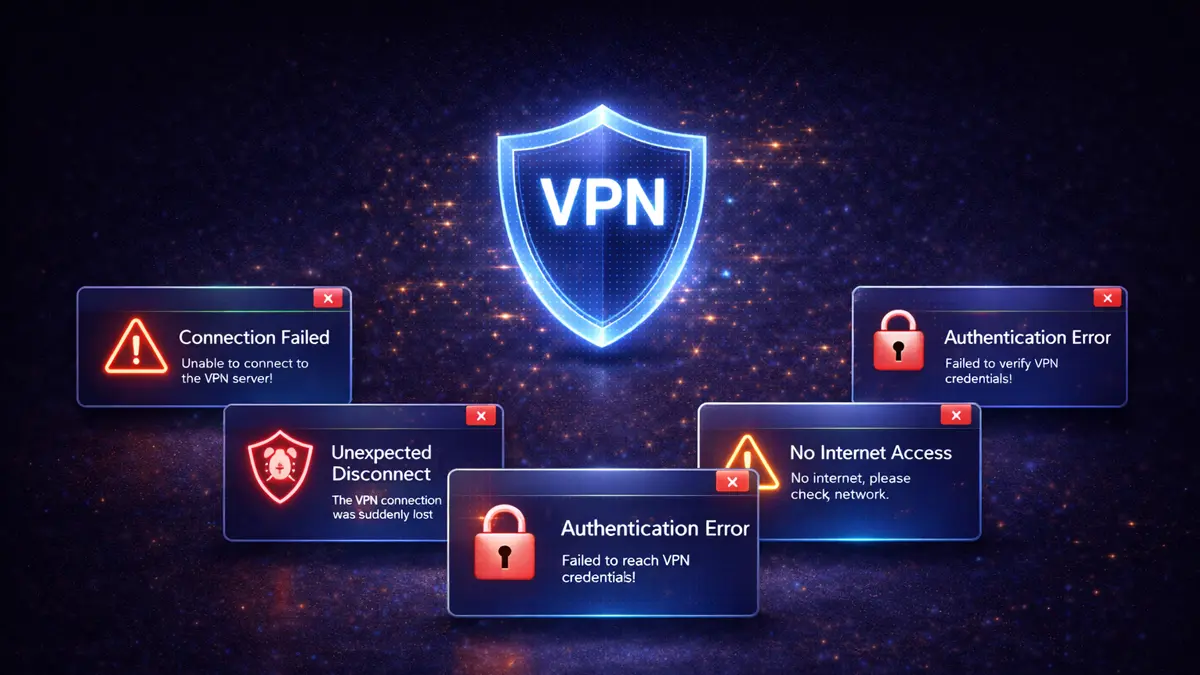
The Golden Rule: Always check your base internet connection first. A VPN cannot build a secure tunnel if your local Wi-Fi router has dropped the connection.
Frequent Connection Drops
If your VPN connects but randomly cuts out, the issue usually involves conflicting software or unstable routing protocols.
| Category | Common Cause | How to Fix It |
|---|---|---|
| Protocol Clash | Network cannot handle UDP packets properly. | Switch your protocol from UDP to TCP in the app settings. |
| Firewall Block | Your antivirus is killing the VPN process. | Add the VPN client to your antivirus exclusion or whitelist. |
| Multi-Device Limit | Exceeded your allowed simultaneous connections. | Log out of older devices or upgrade your subscription tier. |
Unbearably Slow Speeds
Encryption naturally slows down your connection slightly, but if your internet is crawling, there is a configuration error:
- Server Distance: Connecting to a server on the other side of the planet drastically increases ping. Choose a server geographically closer to your actual location.
- Server Load: The server might be overloaded with users. Pick a server with a lower load percentage.
- Protocol Choice: Older protocols like IKEv2 or OpenVPN can be sluggish. Switch your settings to WireGuard or Lightway to optimise performance.
- Background Updates: Ensure your device is not downloading large operating system updates in the background.
Streaming Service Blocks
Platforms like Netflix and BBC iPlayer aggressively hunt down and block IP addresses associated with data centres.
Bypassing the Proxy Error
- Clear Your Cache: Streaming sites often store your actual location data in browser cookies. Clear them before turning on your VPN.
- Use Dedicated Servers: Many premium VPNs label specific servers as "Streaming Optimised". Always use these over standard servers.
- Switch Browsers: If the app is failing on your phone, try accessing the service via a mobile browser instead.
Authentication Failures (Error 691)
If you cannot even log in, the fix is usually straightforward:
- Typo Check: It sounds obvious, but carefully retype your email and password. Watch out for accidental spaces copied over from a password manager.
- Expired Subscription: Log into your account portal via a normal web browser and verify your payment method has not expired.
- Outdated Client: Running a version of the app from two years ago will often cause the authentication servers to reject your request. Update the app.
Advanced Preparation
To avoid future headaches, I recommend setting up these safety nets in advance:
- Enable the Kill Switch: Ensure your settings have the kill switch activated. If your connection drops unexpectedly, this prevents your real IP address from leaking.
- Keep a Backup VPN: If you are travelling for work, keeping a secondary, cheap VPN installed acts as a brilliant failsafe in case your primary provider suffers a network outage.
- Bookmark Support: Save your VPN provider's support email or live chat link in your browser so you can reach them even when the app refuses to load.
FAQs: Troubleshooting VPNs
Why does my VPN keep disconnecting?
The most common culprit is your local network restricting UDP traffic, or an overly aggressive firewall. Changing your VPN protocol to OpenVPN TCP or WireGuard usually solves this behaviour immediately.
How do I fix "Server Unreachable" errors?
This means your device cannot locate the VPN server. Try selecting a different country or city entirely. If none work, restart your router to flush out stale DNS settings.
Why is my internet completely blocked when the VPN is off?
You likely have the "Kill Switch" or "Block internet without VPN" setting enabled in the app. Simply disable this feature in the settings if you want to browse without encryption.
